


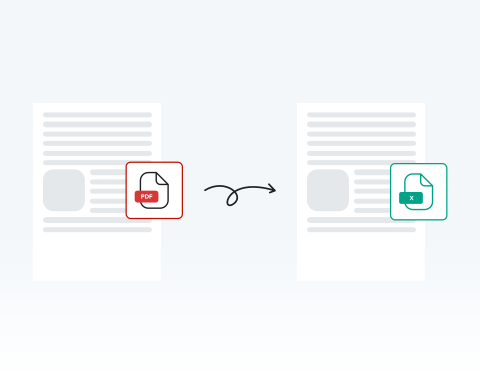

Work online without installing software
You can convert files directly in your browser. This is useful when you are reviewing bank statements or auditing reports and want the data in Excel without extra steps.
Our secure and simple-to-use online PDF to Excel converter exports table data into a spreadsheet you can edit, sort, and reuse.

oder per Drag & Drop

SSL-Verschlüsselung - Unterstützt PDF bis 100 MB und andere Formate und Erweiterungen bis 25 MB
Maximize your productivity with the PDF to Excel converter tool best rated by users!
Follow the steps below to convert your PDF to Excel accurately.
Upload or drag and drop your document into the tool to start the conversion.
Click the "Convert" button to process your file and prepare it for Excel.
Select an output format such as XLSX for the best compatibility.
Save the converted Excel document or share it if needed.
You can convert files directly in your browser. This is useful when you are reviewing bank statements or auditing reports and want the data in Excel without extra steps.

MergedPDF helps you export PDFs so you can start analyzing numbers, preparing reports, or updating spreadsheets without manual copying.

The interface is simple to use. Upload your document, convert it to Excel, then download the converted table.

The tool works on Windows, macOS, and Linux, so you can convert files across different workplace environments.

You can easily convert a PDF table to Excel on both desktop and mobile. The tool runs on all modern browsers such as Chrome, Edge, Safari, and Firefox. All you need to get started is a basic internet connection!

Your documents are protected with SSL encryption during upload and conversion, which matters when working with bank statements, invoices, and auditing files.

Start by creating an account and make it easy to edit, convert, compress, and split your files!
Everything you need to know about converting PDF to Excel.

