


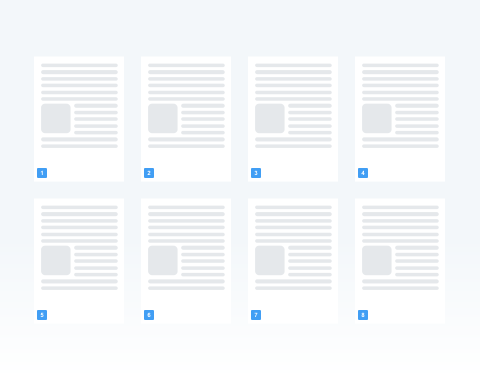

Organize PDF pages online
Quickly sort, rotate, delete, or reorder pages in your PDF. Upload your file, organize it how you want, and download it in seconds — no software downloads required.
Rearrange, delete, rotate, split, or merge the pages of your PDF in just a few simple steps.

ou glissez-déposez

Chiffrement SSL - Prend en charge les PDF jusqu'à 100 Mo et les autres formats et extensions jusqu'à 25 Mo
Start organizing your PDF right away or keep reading to learn more about this handy tool.
Organizing PDFs is simple with MergedPDF. Just follow these easy steps:
Drag and drop your file or click "Upload" to get started.
Reorder, rotate, or delete pages as needed with just a few clicks.
Combine multiple PDFs into one or split a large file into smaller parts.
When your file looks right, download it or share it instantly.
Quickly sort, rotate, delete, or reorder pages in your PDF. Upload your file, organize it how you want, and download it in seconds — no software downloads required.

No technical skills needed. Our intuitive interface lets you organize your PDF pages with simple drag-and-drop actions, so you can finish tasks faster and with less hassle.

Reordering pages will not affect your PDF’s resolution or formatting. Your file stays sharp and clean, even after edits, with no watermarks or compression added.

Use your phone, tablet, or desktop to organize PDFs on the go. Our tool works smoothly across all modern browsers.

Your files are processed securely and deleted shortly after. We do not store your documents or share them, so your information stays private.

Thousands trust us daily to manage their PDFs. With fast performance, no hidden fees, and quality results, it’s the smart choice for organizing PDF files online.

Commencez par créer un compte pour modifier, convertir, compresser et diviser facilement vos fichiers !
Everything you need to know about organizing PDFs.

