


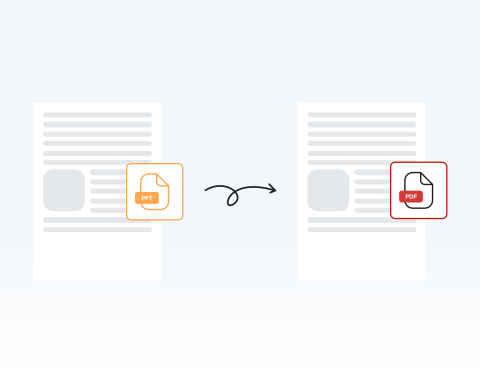

Easy PowerPoint to PDF conversion online
Converting PowerPoint slideshows has never been easier! Simply upload your PPT file, click “convert”, and save your new PDF. It’s that simple!
Transforme seus slides em um arquivo PDF com nosso Conversor de PowerPoint

ou arraste e solte

Criptografia SSL - Suporta PDF até 100 MB e outros formatos e extensões até 25 MB
Try it now and see how easy it is to convert your PPT to PDF in seconds.
Para transformar sua apresentação de slides em um arquivo PDF, basta seguir estas etapas simples:
Drag and drop your PPT or hit the "Upload Document" button.
Click on the "Convert" button to change format.
Click on the PDF option.
Download the converted file to your device or share it.
Converting PowerPoint slideshows has never been easier! Simply upload your PPT file, click “convert”, and save your new PDF. It’s that simple!

One of the biggest pros of using MergedPDF is speed. With our platform, you'll have your PDF version of your presentation in seconds.

You can rest easy knowing that your documents are safe. All files uploaded to our platform are encrypted for your privacy and deleted from our servers once you’ve finished.

You don’t need to worry about installing a program when you use our service. All you need is an internet connection to switch your files from PPT to PDF online here on our website.

You can use our platform on any device, including PCs, Macs, smartphones, or tablets. Whatever your preference of operating system or browser, you’ll be able to convert PPTs into PDFs right here.

Our platform is versatile, secure, and produces great results. Your slides keep their original layout and clarity, so that the final PDF is ready to share.



Comece criando uma conta para editar, converter, compactar e dividir seus arquivos com facilidade!
Everything you need to know about converting PPT to PDF.
Use nossa ferramenta online! Garantimos que a qualidade dos arquivos é preservada ao converter do PowerPoint para PDF.
Sim, nossa ferramenta preserva todos os aspectos do arquivo original ao converter para PDF. Isso inclui links clicáveis. Seu documento PDF conterá os mesmos links da apresentação original e você poderá clicar nesses links ao visualizar o PDF em um computador ou dispositivo.
Ao utilizar o nosso conversor online de PowerPoint para PDF, a formatação e os tipos de letra permanecerão exatamente os mesmos. Nossa ferramenta foi projetada para preservar as características do documento, convertendo apenas o formato do arquivo.
Se precisar fazer mais alterações no documento, você pode usar nossa ferramenta para fazer mais edições e clicar em “Converter” novamente para transformar a versão atualizada em um novo PDF.
Como alternativa, você pode enviar o PDF convertido para o nosso editor de PDF e fazer alterações usando essa ferramenta.
Sim, você pode converter PDFs para PowerPoints usando nossa ferramenta projetada para essa finalidade.

